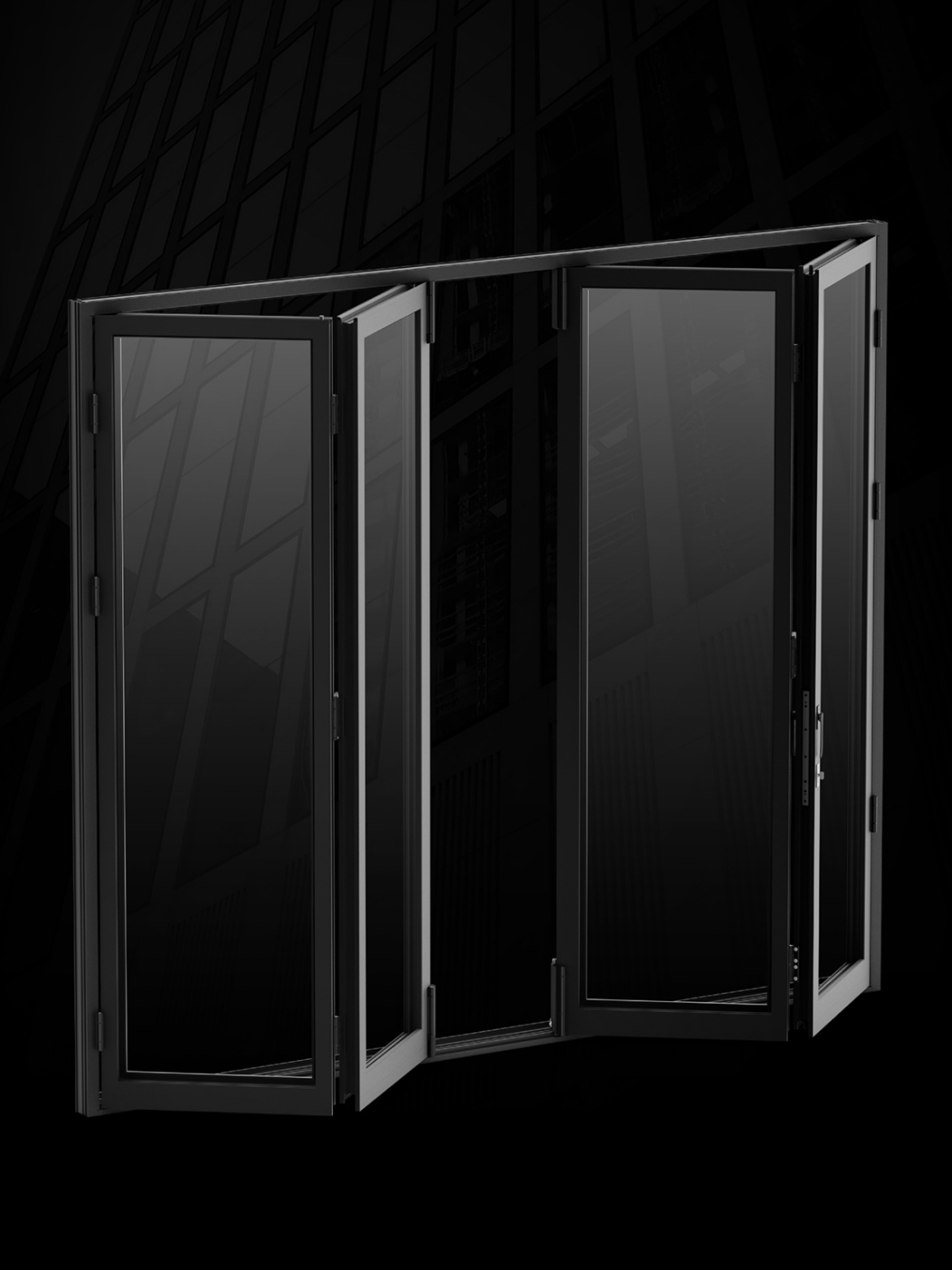
Architectural trends continue to favor indoor-outdoor living, driving strong demand for expansive glass openings in modern residences. Bifold door systems allow entire walls to fold away neatly, creating seamless transitions between interior living areas and exterior patios. Achieving reliable, effortless movement over years of daily operation depends on selecting a complete bifold door hardware setup that matches panel dimensions, total glass weight, and usage intensity.
When specifying components for a multi-panel installation, evaluating hardware structural load capacity is essential. Inadequate rollers or lightweight hinges subjected to high operational loads lead to panel sagging, track binding, and premature mechanical breakdown.
Panel Dimensions and Calculating Dynamic Weight Demands
Determining the appropriate hardware rating begins with a thorough assessment of panel dimensions and glazing composition. Modern residential designs frequently employ heavy double or triple-glazed energy-efficient glass panels, which add substantial static weight to each individual sash frame.
Standard residential folding panels range in width from 500 mm to 900 mm, with sash heights spanning from 1,900 mm up to 3,500 mm. Supporting these expansive sash sizes requires load-bearing roller assemblies capable of handling weights up to 150 kg per panel leaf.
Weight distribution dynamic changes as panels rotate and travel along track profiles. When sashes stack together during opening, concentrated forces act simultaneously on top header guides and bottom tracks. Underestimating panel weight causes bottom rollers to drag, creating uneven movement and accelerating wear along the lower threshold.
Roller Design and Precision Track Balance
The smooth, quiet glide expected of folding door systems relies heavily on roller carriage engineering and track integration. Lower roller units must support both vertical loads and lateral stability as adjacent panels fold together.
Investment-cast from premium 304 stainless steel, heavy-duty lower rollers deliver exceptional wear resistance and structural strength under heavy static loads. Dual-guide wheels on both upper and lower roller units help reduce panel wobble and improve tracking stability during movement.
Furthermore, structural settling and floor tolerances over time necessitate field-adjustable components. Precision bottom rollers featuring height adjustments from -1.5 mm to +3 mm allow installers to fine-tune sash height, maintaining exact gap spacing and preventing panel rubbing against frame thresholds.
Usage Frequency and Durability Testing Standards
Hardware selection should account for the finished panel weight, dimensions, and expected operating frequency. Compare the system’s published cycle rating with the project’s anticipated use, while treating cycle-test results as durability benchmarks rather than guaranteed service-life figures.
High-frequency applications demand hardware engineered and tested to rigorous durability benchmarks. The system is rated for more than 30,000 operating cycles, providing a durability benchmark for evaluating its suitability for repeated use.
Operating handles and internal drive gearboxes also encounter high torsional stress. D-type square spindle handles, built for high-traffic entry points, undergo cycle testing up to 120,000 uses and break-resistance testing reaching 2,500 N. These test results provide benchmarks for evaluating handle durability and resistance to applied force under the specified test conditions.
Interlocking Security, Shootbolts, and Weather Protection
Multi-panel folding doors present extensive perimeter boundaries that must be secured against environmental forces and potential intrusion. Securing wide structural spans requires a coordinated locking network that engages along intermediate panel joints.
Integrated shootbolt mechanisms extend steel locking pins into header and threshold keepers, pinning intermediate panels firmly in place. Coordinated with multi-point locks on primary active leaves, shootbolts pull folding panels tight against perimeter gaskets, providing dual-layer sealing against wind infiltration and driving rain.
Choosing robust hardware for bifold doors with multi-directional adjustment features ensures that weather seals compress evenly along the entire door height, maintaining thermal efficiency throughout changing seasonal conditions.
Architectural Systems and Global Engineering Quality
Specifying durable door hardware requires selecting manufacturers committed to precise manufacturing standards and functional design. CMECH has specialized in door and window hardware systems since the 1990s.
The brand offers complete hardware systems tailored for various architectural configurations. Within its Bifold Door Hardware Solution for even-leaf configurations, specifiers and consumers can access modular, high-capacity hardware:
- 150 kg Load Capacity Rollers: Investment-cast 304 stainless steel lower rollers with -1.5 mm to +3 mm vertical height adjustment for exact alignment.
- Dual-Guide Wheel Assemblies: Top and bottom roller setups engineered to eliminate panel wobble during stacking.
- High-Durability Operating Handles: D-type square spindle handles rated for 120,000 cycles and tested to 2,500 N break resistance.
Through rigorous quality control and material research, CMECH creates hardware systems that provide smooth physical control, lasting weather protection, and structural dependability.
Optimizing Bifold Performance Through Correct Hardware Selection
Creating a successful folding door installation requires aligning hardware load ratings with actual sash weights, dimensions, and expected daily traffic. Selecting heavy-duty stainless steel rollers, dual-guide wheel tracks, and high-cycle tested handles prevents premature mechanical fatigue and operational frustration.
Investing in engineered folding hardware guarantees smooth panel movement, reliable security, and long-term operating ease, backed by the global manufacturing experience of CMECH.